
Modern work has made meetings easier than ever.
With one-click video calls, instant collaboration, and seamless screen sharing, teams can connect from anywhere within seconds. Yet despite all this progress, one major workplace problem still slows teams down every day:
Scheduling.
You’ve probably experienced it countless times:
“Are you free at 3 PM?”
“Not today. Tomorrow maybe?”
“Wait… which timezone are you in?”
By the time everyone finally agrees on a meeting slot, momentum is already lost. What should have been a quick discussion turns into endless back-and-forth messages, delayed decisions, and interrupted workflows.
This is scheduling friction.
It may not seem like a major operational problem at first, but over time, it creates constant interruptions that reduce productivity and increase mental clutter across teams.
That’s exactly what Zoho Workplace aims to solve with unified calendars, integrated meetings, and smart appointment booking.
The Real Problem Isn’t Time — It’s Coordination
Most teams don’t struggle because they lack time.
They struggle because coordination is still manual.
When scheduling depends on emails, chats, and disconnected tools, friction appears everywhere.
Common Scheduling Challenges Teams Face
Lack of Visibility
Employees often cannot instantly see team availability when planning meetings.
This forces them to:
Open multiple apps
Check calendars manually
Interrupt ongoing work
Lose focus
Disconnected Tools
Many organizations use separate systems for:
Calendars
Meetings
Tasks
Communication
As a result:
Calendars say employees are free
Task managers show overloaded schedules
Teams accidentally double-book meetings
Endless Scheduling Conversations
External scheduling often becomes a repetitive loop:
“Does Tuesday work?”
“How about Friday?”
“Which timezone?”
Simple coordination turns into long conversations.
Meetings Without Context
Many meetings begin without:
Clear agendas
Relevant files
Proper preparation
Teams waste the first several minutes simply understanding why the meeting exists.
The Solution: A Unified Scheduling Workflow
Scheduling should not feel like a separate task.
The best collaboration happens when planning, communication, and execution work together seamlessly.
That’s where Zoho Workplace creates a unified workflow using:
Zoho Calendar
Zoho Meeting
Appointment Booking inside Zoho Calendar
Together, these tools reduce scheduling friction and help teams maintain workflow momentum.
Plan Meetings Smarter with Zoho Calendar
Scheduling becomes easier when teams have complete visibility into availability and resources.
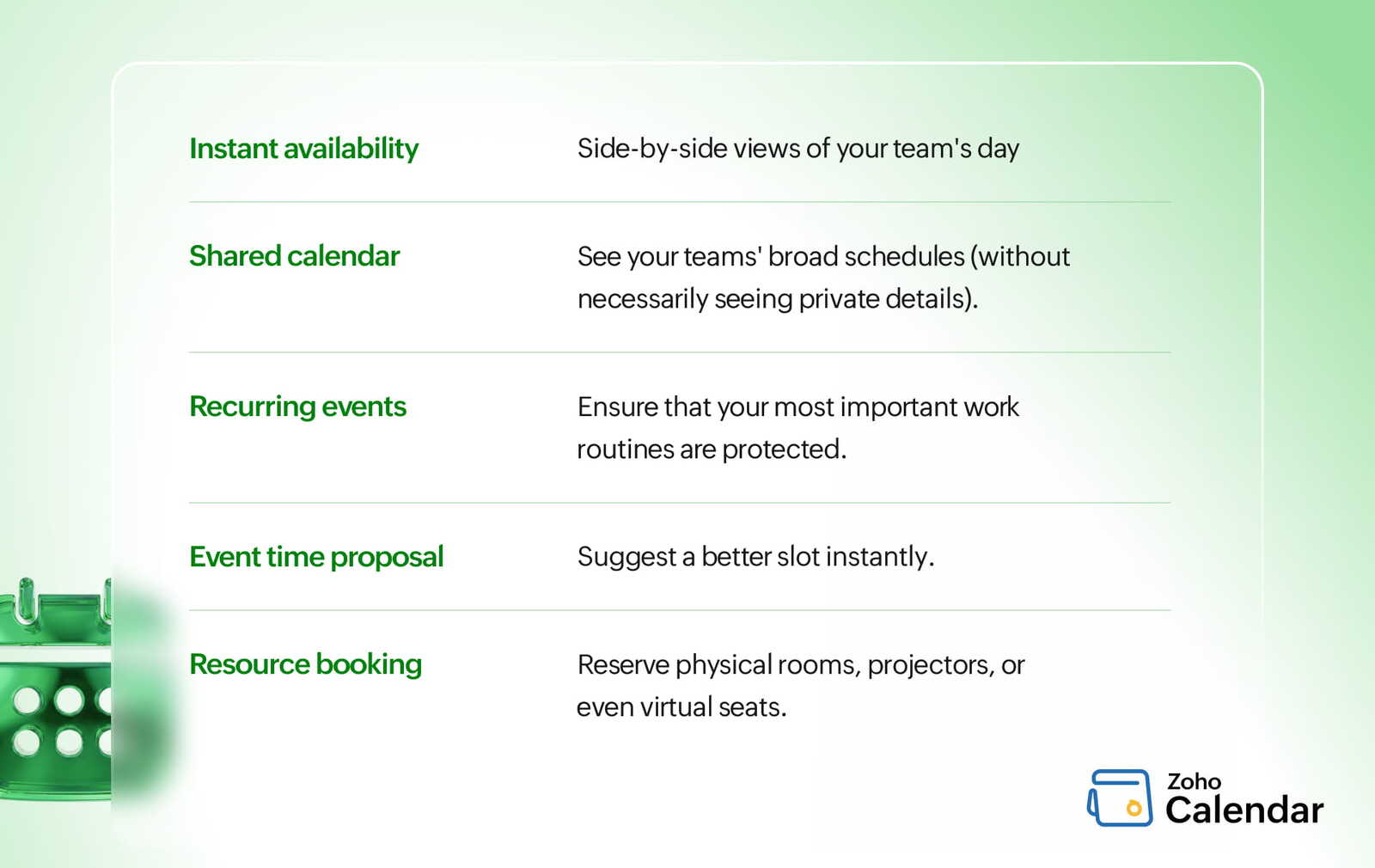
Instant Availability Visibility
Zoho Calendar allows teams to instantly view open time slots across schedules.
Instead of asking repeatedly:
“Are you free?”
“What time works?”
teams can identify availability immediately.
This speeds up decision-making and reduces interruptions.
Multiple Calendar Overlays
Managing one calendar is easy.
Managing cross-functional teams is harder.
Zoho Calendar allows organizations to overlay multiple calendars simultaneously, helping teams:
Prevent scheduling conflicts
Avoid double bookings
Protect deep-work time
Shared Calendars for Better Transparency
Shared calendars improve workplace visibility without exposing sensitive information.
Teams can quickly understand:
Who is busy
Who is available
When collaboration is possible
This reduces unnecessary follow-up messages and improves coordination.
Automate Recurring Meetings
Weekly stand-ups, monthly reviews, and recurring discussions should not require manual setup every time.
Zoho Calendar automates recurring events, helping teams create predictable collaboration routines.
Event Time Proposals
Scheduling conflicts are unavoidable.
Instead of sending separate reschedule emails, employees can propose alternative meeting times directly from the calendar invite itself.
This keeps communication centralized and organized.
Integrated Resource Booking
Meetings often require more than participants.
Teams may also need:
Conference rooms
Projectors
Shared workspaces
Zoho Calendar allows organizations to book resources alongside meeting invitations, preventing last-minute surprises.
Turn Scheduled Time into Productive Meetings with Zoho Meeting
Scheduling a meeting is only half the process.
The actual meeting experience matters just as much.
Zoho Meeting helps teams move directly from scheduling into productive collaboration.
Launch Meetings Directly from the Calendar
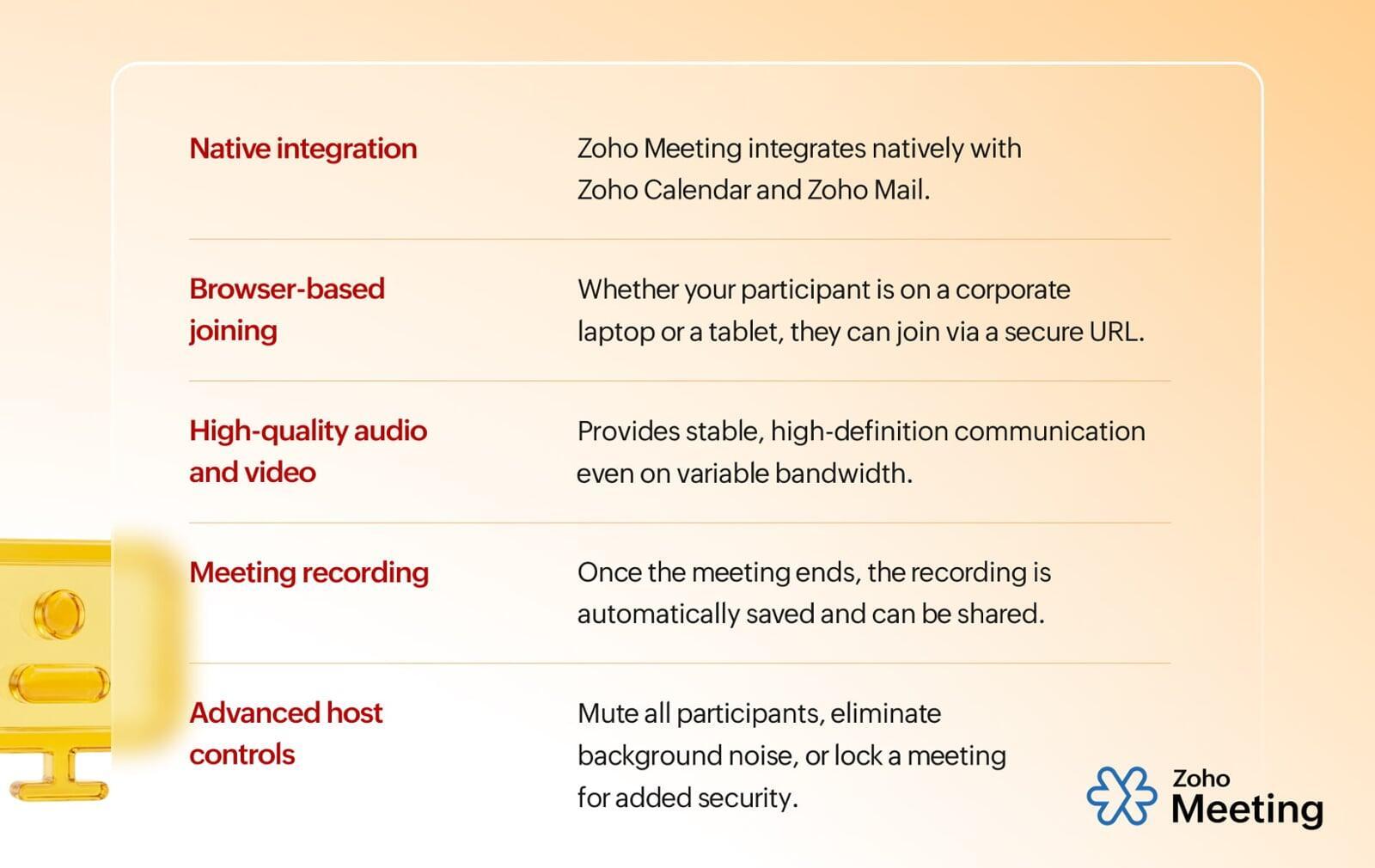
Meeting links are automatically integrated into calendar events.
Employees can join meetings directly from:
Calendar notifications
Email invites
Chat windows
No searching through old messages or emails.
Browser-Based Access
Participants can join meetings directly through their browser without downloading additional software.
This reduces friction for:
Clients
External partners
Remote teams
and improves accessibility across devices.
High-Quality Audio and Video
Poor meeting quality creates communication gaps.
Zoho Meeting provides stable audio and video experiences that help teams collaborate naturally, even across remote environments.
Meeting Recordings for Distributed Teams
Global teams often work across different time zones.
Meeting recordings ensure:
Absent team members stay informed
Important decisions are documented
Discussions remain accessible later
This improves organizational continuity.
Advanced Host Controls
Meeting hosts can maintain professional and secure collaboration using features like:
Participant controls
Raise hand management
Noise reduction
Meeting locks
This creates more structured discussions and better meeting experiences.
Simplify External Scheduling with Appointment Booking
Internal scheduling is one challenge.
External scheduling often creates even more friction.
Appointment Booking inside Zoho Calendar helps businesses simplify client and partner coordination.
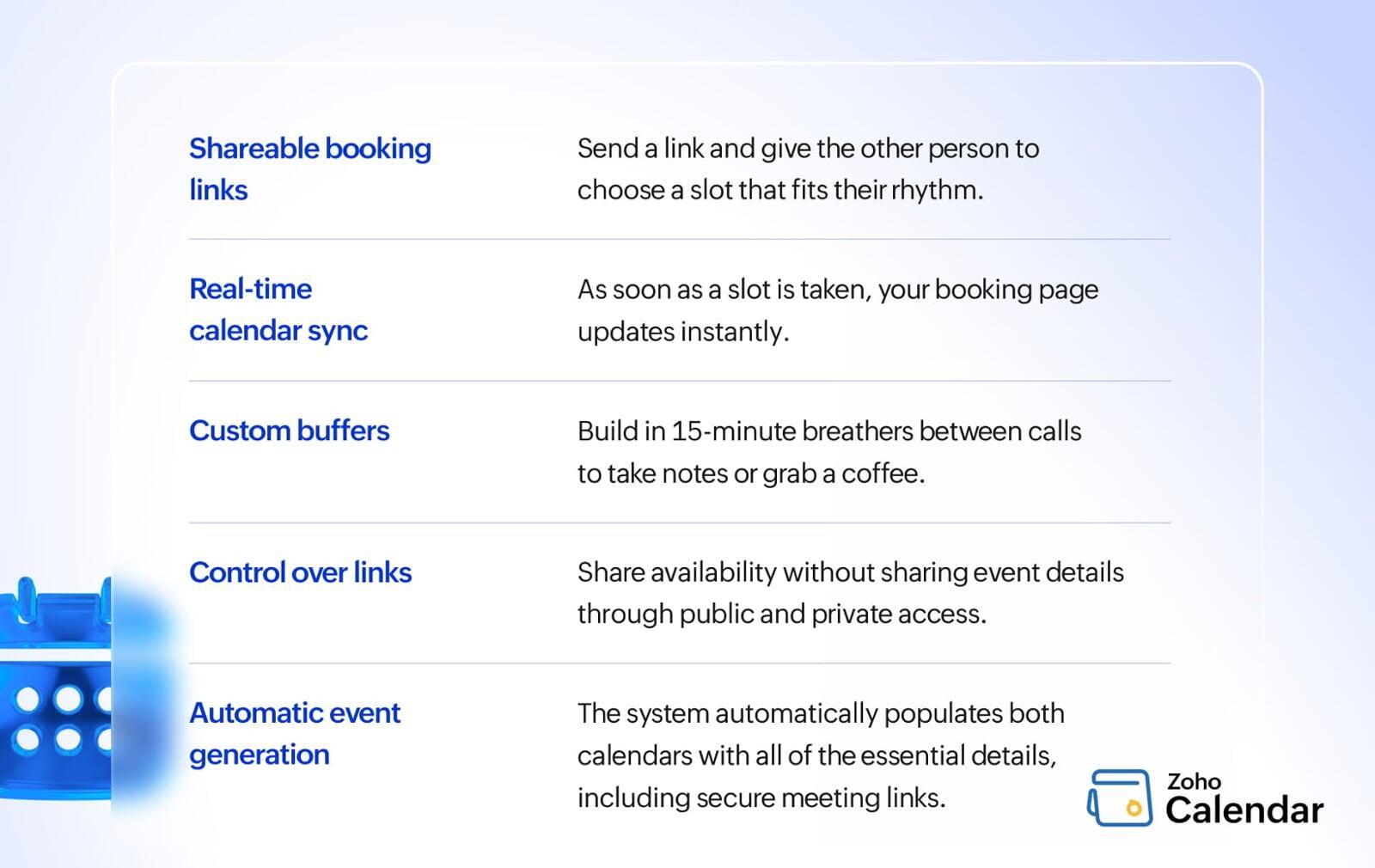
Shareable Booking Links
Instead of manually discussing availability, businesses can simply share booking links.
Clients choose available slots themselves based on real-time calendar availability.
Real-Time Calendar Sync
When a meeting is booked:
Calendars update instantly
Meeting links are created automatically
Conflicts are prevented automatically
This reduces manual coordination effort.
Custom Time Slots and Buffers
Businesses can create:
Buffer times between meetings
Custom working hours
Controlled booking schedules
This prevents calendar overload and improves work-life balance.
Controlled Availability Sharing
Organizations can share booking availability without exposing private calendar details.
This maintains both transparency and privacy.
Automatic Event Creation
Once appointments are confirmed:
Calendar events are generated automatically
Participants receive meeting details instantly
Meeting links are included automatically
Everything stays connected inside one workflow.
Why Unified Scheduling Matters
Most organizations use separate tools for:
Scheduling
Meetings
Booking
Communication
This creates fragmented workflows and unnecessary operational friction.
A unified ecosystem changes that completely.
With Zoho Workplace:
Meetings connect directly with calendars
Appointment bookings sync automatically
Scheduling data stays centralized
Collaboration becomes faster and simpler
The result is:
Reduced cognitive load
Better coordination
Faster decision-making
More productive meetings
Common Scheduling Mistakes Teams Still Make
Even with modern tools, many teams continue following outdated scheduling habits.
Relying on Manual Coordination
Instead of checking shared availability, employees still send unnecessary scheduling emails.
No Buffer Between Meetings
Back-to-back meetings create burnout and reduce focus.
Buffer time improves productivity and preparation.
Ignoring Time Zones
Distributed teams need automated timezone coordination to avoid scheduling confusion.
Repeating Manual Processes
Creating new meeting links and rewriting meeting details every week wastes valuable time.
Automation solves this problem.
Inconsistent Meeting Processes
When every team handles meetings differently, employees waste time adapting instead of collaborating.
Standardized workflows improve efficiency.
Build a Frictionless Scheduling Experience with Zoho Workplace
Scheduling should not slow work down.
The goal of modern collaboration tools is not simply to help teams organize meetings faster. It is to remove unnecessary friction from the entire coordination process.
Zoho Workplace brings together:
Smart scheduling
Unified calendars
Integrated meetings
Appointment booking
Collaboration workflows
into one connected ecosystem.
Because productivity isn’t just about working harder.
It’s about removing everything that interrupts the work that matters most.
For more information please visit www.pfc-group.com.
FAQs
1. What is Zoho Workplace?
Zoho Workplace is a unified collaboration suite that combines email, calendar, meetings, and productivity tools for businesses.
2. How does Zoho Calendar help teams?
Zoho Calendar helps teams manage schedules, view availability, and avoid meeting conflicts.
3. Can Zoho Meeting integrate with calendars?
Yes, Zoho Meeting integrates directly with calendars for seamless meeting scheduling and joining.
4. What is Appointment Booking in Zoho Calendar?
It allows clients and teams to book meetings using shareable scheduling links with real-time availability.
5. Why is unified scheduling important for businesses?
Unified scheduling reduces coordination delays, improves productivity, and simplifies collaboration across teams.