
Email continues to be the backbone of workplace communication. From internal approvals and project updates to customer conversations and compliance-driven communication, businesses still rely heavily on email every single day.
But despite its importance, most inboxes still depend on manual effort and human memory.
Employees often forget to attach files, miss important stakeholders in CC, send incomplete information, or use inconsistent subject formats. While these mistakes may appear small, they can lead to delays, repeated follow-ups, compliance issues, and communication gaps across teams.
Modern businesses need more than just an email platform. They need workflows that actively support employees and reduce operational friction.
That’s where Zoho Mail Client Scripting changes the game.
By introducing automation and intelligent workflows directly inside the inbox, Client Scripting helps organizations streamline communication, enforce policies, and reduce human errors without changing how employees work.
What is Client Scripting in Zoho Mail?
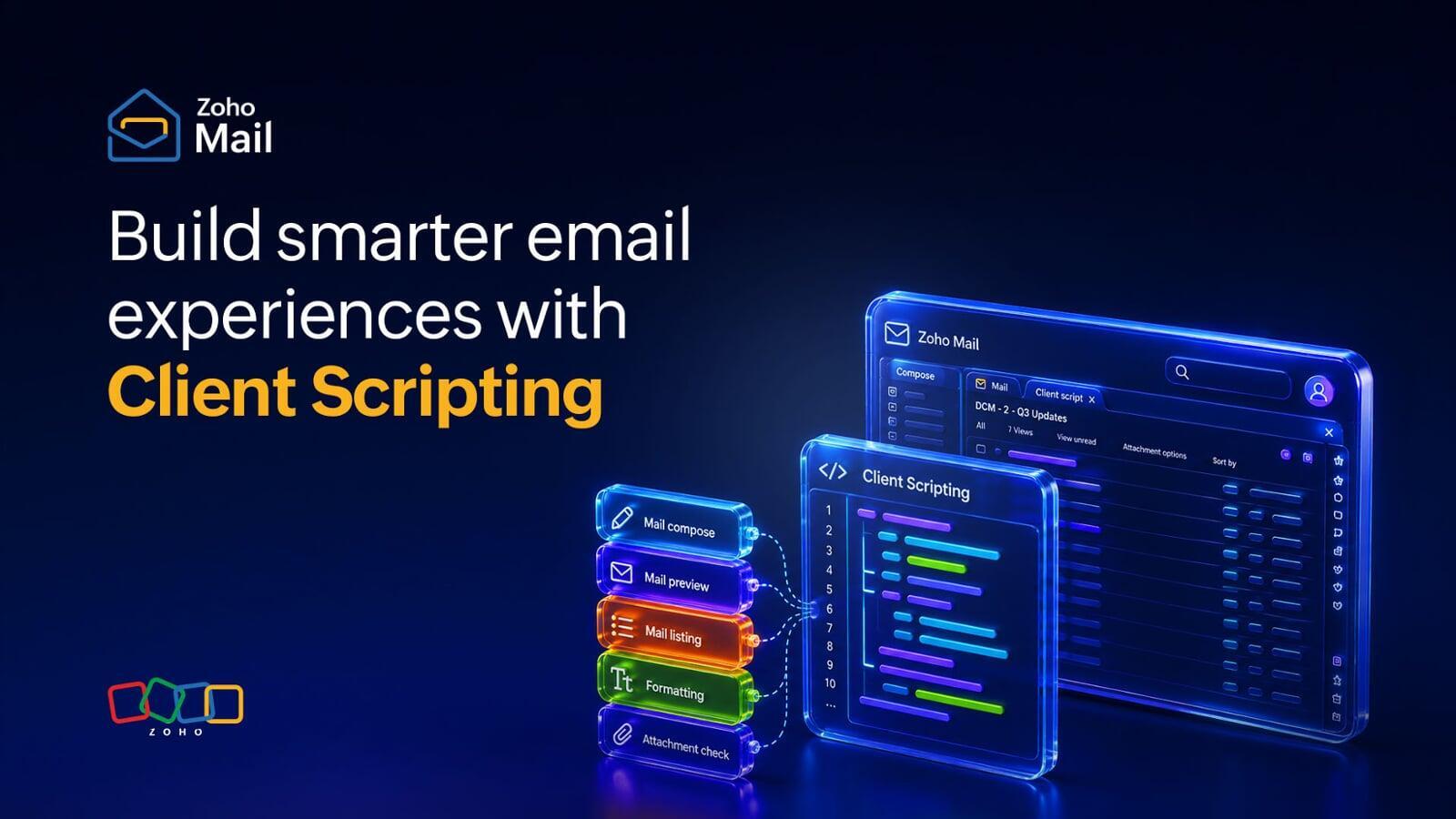
Client Scripting allows organizations to run custom JavaScript inside the Zoho Mail web application.
These scripts can be triggered during actions such as:
Writing emails
Previewing messages
Opening emails
Viewing email lists
Using these scripts, businesses can automate workflows, validate actions, auto-fill information, and create smarter communication experiences directly inside the inbox.
For example, Client Scripting can:
Automatically add recipients in CC
Validate whether attachments are included
Display warnings before sending sensitive emails
Apply standardized subject line formats
Fetch data from external business systems
Enforce organizational communication policies
Instead of relying entirely on employees to remember every process manually, the inbox itself becomes workflow-aware and intelligent.
Why Modern Email Workflows Need Automation
Today’s employees manage dozens or even hundreds of emails daily. In fast-moving work environments, communication mistakes happen not because teams are careless, but because processes move quickly.
Businesses now need email systems that actively support operational workflows instead of creating additional friction.
Client Scripting in Zoho Mail helps organizations solve some of the most common email-related challenges.
1. Reduce Human Errors in Everyday Communication
One of the biggest causes of email inefficiency is avoidable human error.
Common examples include:
Forgetting attachments
Missing stakeholders in CC
Sending incomplete information
Accidentally emailing external recipients
With Client Scripting, Zoho Mail can automatically detect these situations before an email is sent.
For example, if an email contains phrases like:
“Please find attached”
“Attached document”
“See the file below”
but no attachment is included, the system can instantly display a warning.
Organizations can also prevent emails from being sent until required conditions are met.
Benefits
Fewer communication mistakes
Reduced back-and-forth emails
Better email accuracy
More professional communication
2. Automate Compliance and Email Policies
Many organizations rely heavily on employee training to maintain communication standards. However, manual compliance becomes inconsistent over time.
Client Scripting allows businesses to embed policies directly into email workflows.
Organizations can enforce rules such as:
Mandatory CC for managers or audit teams
Alerts before sending emails externally
Restricting emails without reference IDs
Validating required fields before sending
Instead of repeatedly reminding employees about policies, businesses can automate governance directly within the inbox.
Benefits
Stronger compliance control
Reduced policy violations
Consistent communication standards
Improved organizational governance
3. Automate Repetitive Email Tasks
Many internal email habits require employees to repeatedly perform the same manual actions.
Examples include:
Adding managers in CC
Including escalation teams
Following specific subject line structures
Using standard templates
Client Scripting can automate these repetitive steps directly while composing emails.
It can:
Auto-populate recipients
Apply predefined subject formats
Insert standard content blocks
Trigger workflow-based email logic
This reduces repetitive effort while ensuring communication consistency across teams.
Benefits
Faster email drafting
Standardized communication
Improved operational efficiency
Better collaboration across departments
4. Create Context-Aware Email Experiences
Modern organizations use multiple business systems including CRM, HRMS, support tools, and project management platforms.
Switching between applications to fetch information slows down workflows and reduces productivity.
Client Scripting allows Zoho Mail to interact with external systems and APIs directly during email workflows.
Businesses can:
Pull employee data from Zoho People
Fetch customer information from Zoho CRM
Display contextual prompts based on recipients
Insert project or support ticket details automatically
This creates a smarter inbox experience where employees can access important information without leaving their email window.
Benefits
Faster workflows
Reduced app switching
More personalized communication
Better operational context
Real-World Use Cases of Client Scripting in Zoho Mail
Client Scripting becomes especially powerful when applied to everyday workplace communication scenarios.
Prevent Missing Attachments
Employees frequently mention documents or screenshots in emails but forget to attach them.
A script can automatically scan email content before sending and trigger an alert if attachment-related keywords are detected without any file attached.
Automatically Add Managers or Teams in CC
Organizations often require reporting managers, audit teams, or support groups to stay informed.
Client Scripting can automatically add the correct stakeholders in CC based on predefined business rules.
Restrict Emails Without Mandatory Information
Businesses can block emails from being sent unless important details are included, such as:
Project IDs
Case numbers
Client references
Approval codes
This ensures communication remains structured and compliant.
Standardize Subject Lines
Consistent subject lines improve email tracking, reporting, and internal organization.
Client Scripting can automatically apply naming formats such as:
Support Ticket – [Ticket ID]
Project Update – [Project Name]
Invoice Approval – [Department]
This improves email visibility and operational clarity across teams.
Industries That Benefit Most from Client Scripting
Although Client Scripting can improve workflows across almost any organization, it becomes especially valuable in industries where communication accuracy and compliance are critical.
BFSI and Financial Services
Regulatory compliance
Audit-ready communication
Controlled external email workflows
Healthcare
Reduced communication risks
Better validation before external communication
Improved operational consistency
Government and Public Sector
Standardized communication practices
Controlled email policies
Improved accountability
Educational Institutions
Administrative email automation
Structured communication workflows
Role-based email processes
Large Enterprises
Organization-wide workflow standardization
Reduced communication gaps
Stronger policy enforcement across departments
Centralized Admin Control for Organizations
Zoho Mail’s Client Scripting is designed with centralized governance in mind.
Administrators can:
Enable or disable scripts
Make scripts optional or mandatory
Apply scripts organization-wide
Assign scripts to specific users or departments
This gives businesses full control over how email workflows are implemented across teams.
Client Scripting is available across all paid Zoho Mail plans, making it accessible for organizations of different sizes.
Small Automations That Deliver Big Results
One of the biggest advantages of Client Scripting is that even small workflow automations can create significant long-term operational improvements.
Simple scripts can help businesses:
Reduce human errors
Save employee time
Improve communication quality
Standardize business processes
Strengthen compliance
Increase overall productivity
Since everything works directly inside the Zoho Mail interface, employees do not need to learn new tools or switch between platforms.
Transform Your Inbox into a Smarter Workspace
Client Scripting transforms Zoho Mail from a standard email platform into a workflow-aware communication system.
Instead of depending entirely on manual processes, organizations can automate repetitive actions, enforce standards, and simplify everyday communication directly within the inbox.
Whether your goal is to improve compliance, reduce operational friction, or create smarter email workflows, Client Scripting gives businesses the flexibility to build more intelligent communication experiences inside Zoho Mail.
Because modern email isn’t just about sending messages faster — it’s about sending the right communication, in the right way, every single time.
For more information please visit www.pfc-group.com
FAQs
1. What is Client Scripting in Zoho Mail?
It allows businesses to automate and customize email workflows inside Zoho Mail using JavaScript.
2. Can Client Scripting prevent email mistakes?
Yes, it can detect missing attachments, incomplete details, or missing CC recipients before sending emails.
3. Can businesses enforce email policies with Client Scripting?
Yes, organizations can automate rules like mandatory CCs, subject formats, and validation checks.
4. Does Client Scripting work with other Zoho apps?
Yes, it can connect with apps like Zoho CRM and Zoho People for contextual workflows.
5. Who should use Client Scripting in Zoho Mail?
It is ideal for businesses that want smarter, compliant, and automated email workflows.